26 November 2026
From Mood Board to Motion: How AI Turns Static Concepts Into Video
Presented by @cinematicthreads
What a mood board does for a campaign
A mood board collects reference images, color swatches, typography samples, and texture ideas into a single visual brief. Creative teams use them to align on the "feel" of a project before any production begins. The problem has always been the same: a mood board is still a static collage. You can point at it and say "like this, but moving," but translating that atmosphere into an actual video clip takes time, budget, and technical skill.
That gap is exactly what AI marketing video tools now address. Instead of treating the mood board as a separate reference document, these systems treat it as a direct input. They can read the visual language of a collection of images and generate new footage that matches their palette, lighting, and composition. The result is a moving concept that feels like a natural extension of the original inspiration. Happy Wan — Multimodal AI Video Generation Online Free
How the translation actually works
The process starts with the mood board itself. You might have a set of product images, a brand guideline PDF, or a folder of campaign concept stills. In a typical workflow, you upload those assets to an AI video generator and prompt it with a short description of the motion you want. The system analyzes the shared visual features across your references: the dominant colors, the depth of field, the lighting direction, the texture of surfaces. Then it synthesizes new frames that preserve those qualities while introducing movement.
Some tools let you provide a reference clip in addition to still images. That helps the model understand not just the look but the pacing and camera motion you have in mind. A slow pan across a tabletop setup, a tracking shot through a corridor, a close-up pull focus on a product detail, these can be inferred from a short video example and applied to the visuals in your mood board.
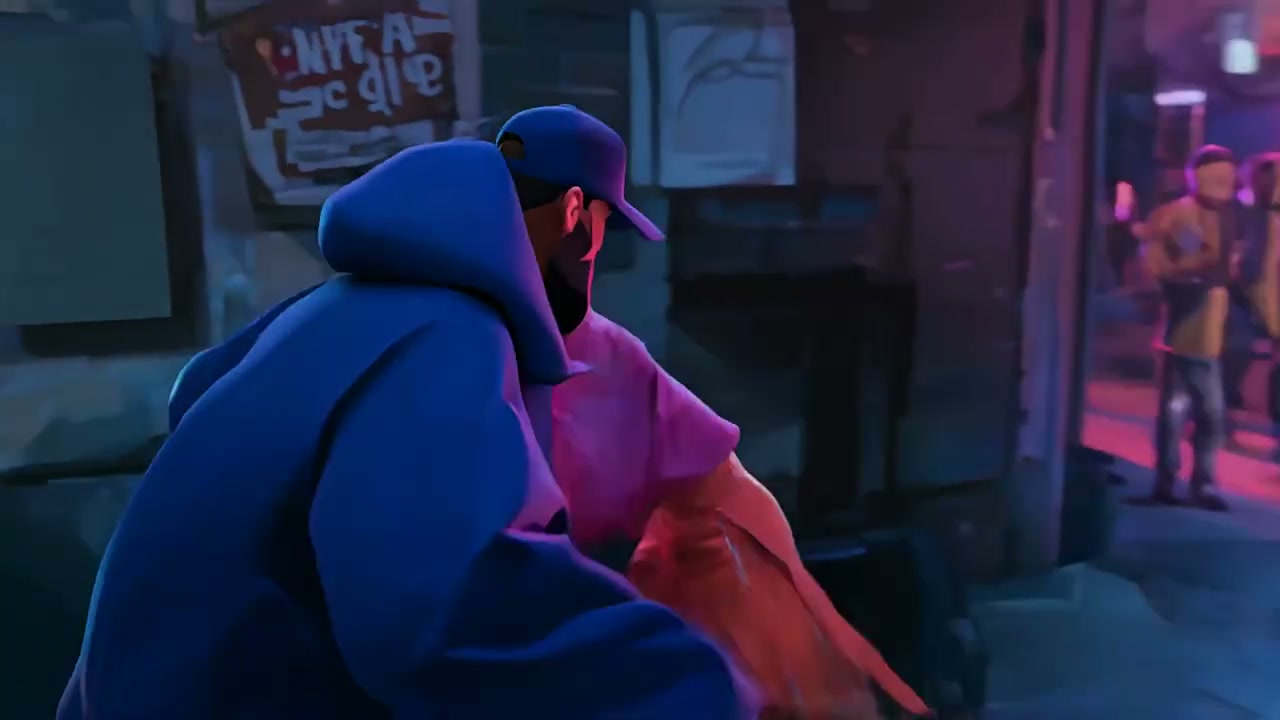
The output is a short video that acts as a proof of concept. It is not a finished commercial, but it gives everyone on the team a concrete moving version of what was previously an abstract idea. Creative directors can evaluate whether the lighting works in motion. Copywriters can see how text overlays might interact with the visuals. Clients can sign off on a direction before any expensive production begins.
Where this changes the creative workflow
For marketing teams, the biggest shift is in speed. A traditional storyboard takes days to draw and longer to turn into an animatic. An AI marketing video generator can produce a rough moving concept in minutes. That speed changes how teams iterate. Instead of locking in a single direction early, you can test several visual approaches in a single afternoon.
Creative testing becomes more practical. You can generate variations of the same scene with different color grades, different camera angles, or different pacing. The mood board stops being a fixed target and becomes a starting point for exploration. Teams can see what works in motion before committing resources to a full shoot.
This is especially useful for social video, where the platform itself dictates constraints on length, aspect ratio, and pacing. A mood board built for a landscape YouTube pre-roll may look completely different when adapted to a vertical TikTok format. AI video tools let you reframe and recut the same visual concept for multiple platforms without rebuilding from scratch.
What to watch out for
The technology is not magic. The output quality depends heavily on the quality of your input. A mood board with inconsistent lighting or conflicting color palettes will produce incoherent video. The AI has no sense of intention, it only sees patterns. If your reference images pull in different directions, the generated clip will try to average them into something that satisfies none of them.
Another limitation is temporal consistency. Early-generation AI videos often suffer from objects that shift or flicker between frames. A logo on a product might change slightly from one second to the next. The best current tools handle this better than they did a year ago, but for polished brand work you still need human oversight and possibly post-production cleanup.
There is also the question of brand control. A mood board built around strict brand guidelines may produce a video that feels on-brand in stills but drifts in motion. The AI might introduce a color cast or a camera movement that does not match your style guide. That is why the output is best treated as a concept, not a deliverable. It shows the direction; a human editor or director polishes the final execution.
What this means for marketers and creatives
If you already maintain mood boards for your campaigns, you can start experimenting with AI video generation immediately. The tools accept the same assets you already have. You do not need to learn animation or 3D modeling. The learning curve is mostly about prompt phrasing and understanding how the model interprets your references.
One approach is to start with a simple brief. Take a single product image and a brand guideline document. Upload them to a tool like Happy Wan, Multimodal AI Video Generation Online Free and describe the motion you want. The result will not be perfect, but it will show you whether the model understands your brand's visual language. From there, you can refine your inputs and prompts to get closer to your intended look.
The real value comes when you use the output to guide real production. A moving concept generated from your mood board becomes a visual brief for a director, a cinematographer, or an editor. It communicates the mood, the pacing, and the composition more clearly than a static collage ever could. Everyone on the team sees the same moving target.
Practical steps to get started
- Curate your mood board with intention. Remove images that introduce conflicting color temperatures or lighting styles. The AI will average everything you give it, so consistency matters.
- Write a short motion prompt. Describe the camera movement, the speed of action, and the atmosphere. Avoid vague words like "dynamic", be specific about what moves and how.
- Generate multiple versions. Run the same mood board with different prompts or settings. Compare the results to see which direction feels right.
- Review the output for brand consistency. Check colors, logo placement, and overall tone against your brand guidelines. Note any drift and adjust your inputs accordingly.
- Use the best clip as a reference for the actual production. Share it with your production team as a moving brief. It saves hours of back-and-forth description.
The bigger picture
Turning mood boards into moving visual concepts is not about replacing human creativity. It is about compressing the time between inspiration and execution. The static board has always been a compromise, it suggests a feeling but cannot show it. AI video generation closes that gap. It lets you see your idea in motion before you commit to the expense and effort of a full production.

For anyone working in marketing, branding, or content creation, the ability to rapidly prototype video concepts from existing visual assets is a practical advantage. You can test more ideas, communicate more clearly, and make decisions based on something closer to the final product. Tools like Happy Wan, Multimodal AI Video Generation Online Free make that capability accessible without a dedicated animation team or a large budget.
The mood board is not going away. It is simply becoming the first frame of a conversation that now includes motion.